



Stackable Cockpit
One data platform, one entry point in the browser
Stackable Cockpit is a module of the Stackable Data Platform (SDP) and the interface for everyone who works with the platform. It comes with its own tools for queries and files and leads to the platform’s other tools in one click. No Kubernetes knowledge required.
Available in self-managed SDP installations and in the Managed Stackable Data Lakehouse.
Four hurdles removed
The SDP combines object storage and Apache Iceberg with Trino, Apache Spark and tools for pipelines, orchestration and dashboards. Data engineers use this modularity to build flexible architectures. Business teams, on the other hand, want quick access to their data without dealing with individual components. The Cockpit helps them at four typical points.
Many interfaces
Every tool has its own web UI and its own address.
Many logins
Every tool has its own credentials to manage and remember.
Technical hurdles
Simple queries or a look into object storage often require CLI tools or local SQL clients.
Little visibility
Which data lives on the platform, and where, is hard for business teams to see.
Built-in tools, direct links
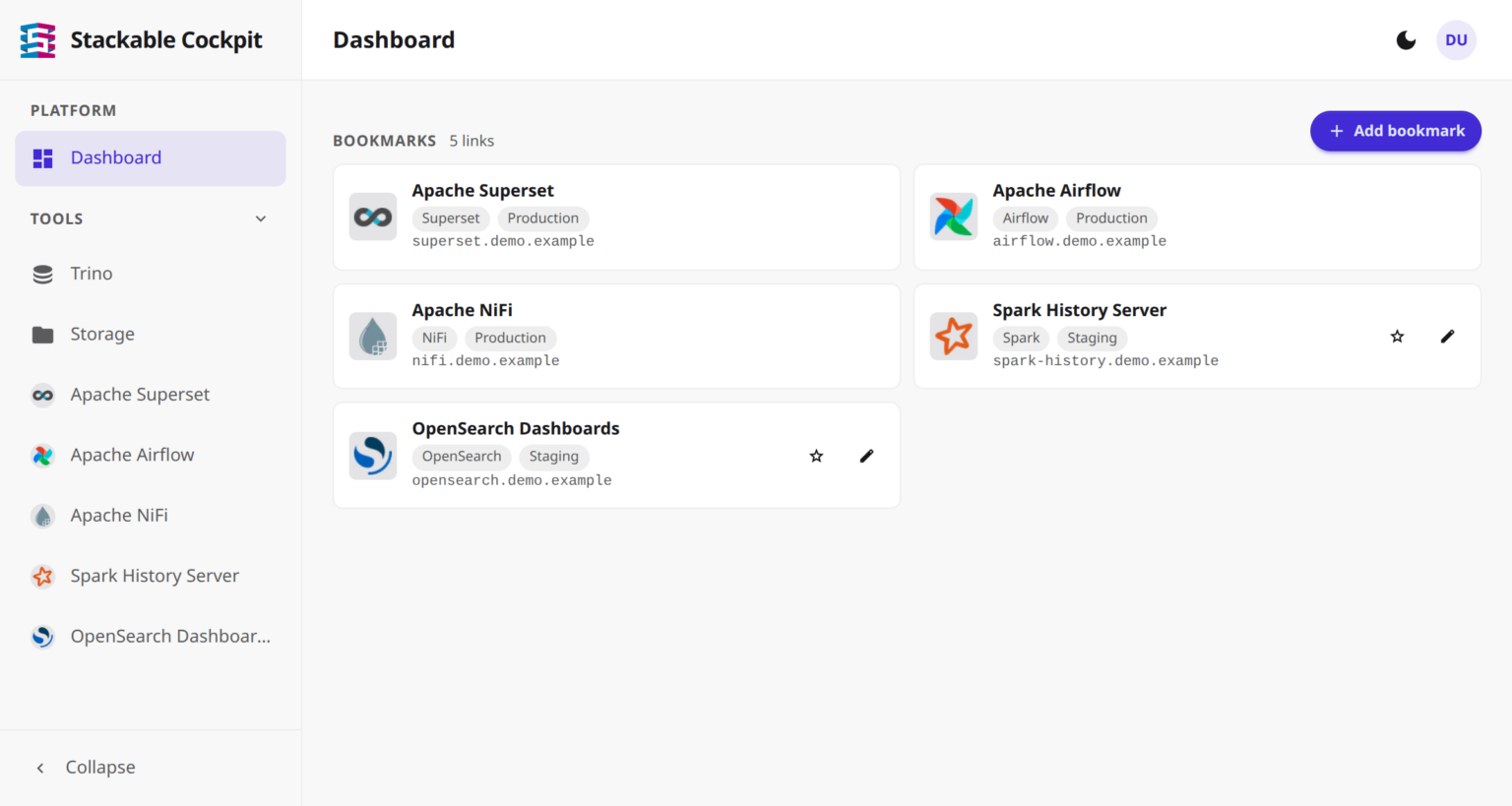
The Cockpit offers two things: its own interfaces for frequent tasks, and direct links to the other tools on the SDP.
Work directly in the Cockpit
Stackable’s own features, without switching to another tool.
Jump to the SDP’s tools
The Cockpit links to the interfaces of the installed tools, curated centrally so every user sees the same bookmarks. They open in a separate tab, with their full feature set. Without the Cockpit, the tools remain reachable at their own addresses as usual.
Where the Cockpit sits
The Cockpit is the top layer. Below it, the SDP’s open source components run on Kubernetes, self-managed or operated by the hosting partner in the managed offering.