



Migrating a data platform with limited bandwidth is possible, but only if you treat the migration as an engineering problem rather than a project management one. The key is sequencing: move workloads incrementally, reduce coordination overhead through automation, and choose a target platform that does not require your team to rebuild everything from scratch. The questions below unpack each part of that answer in practical terms.
Many of the teams we work with are navigating exactly this situation, trying to modernize their data infrastructure without pausing everything else. Here is what that looks like when you are working with the specific constraints of a lean team.
What makes data platform migrations so resource-intensive?
Data platform migrations are resource-intensive because they combine infrastructure work, data validation, dependency mapping, and operational continuity into a single effort that cannot easily be parallelized. Unlike a software deployment, a migration touches live data, running pipelines, and downstream consumers simultaneously, which means every step carries real risk and requires careful coordination.
Several factors compound the effort:
- Dependency sprawl: Most production data platforms have accumulated years of undocumented dependencies between pipelines, schemas, and consumers. Mapping these takes time that is rarely budgeted.
- Dual-running costs: During migration, you typically run both the old and new environments in parallel. That doubles operational overhead for a period that is almost always longer than planned.
- Validation burden: Confirming that migrated workloads produce identical outputs to the source system requires test infrastructure and domain knowledge that is hard to automate fully.
- Configuration drift: Platforms that have accumulated years of manual configuration changes that were never codified present a slow and error-prone reconstruction challenge in a new environment.
The underlying issue is that most migrations are treated as a one-time project rather than an engineering practice. Teams that approach migration as a repeatable, automated process consistently move faster than those that treat it as a special event.
What are the biggest risks of migrating with a small team?
The biggest risks of migrating a data platform with a small team are knowledge concentration, inadequate rollback planning, and scope creep. When only two or three engineers understand the migration state at any given time, a single person leaving or being pulled onto another incident can stall the entire effort.
Beyond personnel risk, small teams tend to face two structural problems that larger teams can absorb more easily:
Inadequate rollback paths. Under time pressure, small teams often skip building clean rollback procedures. If a migrated workload fails in production, reverting to the source system becomes a manual, stressful process rather than a practiced one. Every workload you migrate should have a documented, tested rollback path before it goes live on the new platform.
Scope creep during migration. Migrations surface technical debt. The temptation to fix pipelines, restructure schemas, or modernize tooling while migrating is understandable, but each change adds validation work and extends the dual-running period. A disciplined approach separates migration from modernization: first move the workload as-is, then improve it once it is stable on the new platform.
A third risk worth naming directly is underestimating the operational learning curve on the target platform. If your team is migrating to a Kubernetes-native architecture for the first time, factor in the ramp-up time honestly. Kubernetes data platform operations are learnable, but they are not free.
How do you prioritize which workloads to migrate first?
Prioritize workloads that are low-risk, well-understood, and have clear validation criteria. The goal of your first migrations is not to move the most important data, but to build team confidence, validate your target environment, and establish migration patterns that can be repeated.
A practical prioritization framework works in three tiers:
- Tier 1 – Low-risk, low-dependency workloads: Batch jobs with well-defined inputs and outputs, reporting pipelines with no real-time SLAs, or archival processes. These are your learning migrations.
- Tier 2 – Moderate complexity, isolated consumers: Workloads with more logic but limited downstream dependencies. Migrate these once your team has established a repeatable process from Tier 1.
- Tier 3 – Critical, high-dependency workloads: Core streaming pipelines, customer-facing data products, or anything with strict latency requirements. These move last, with the full benefit of everything your team learned in Tiers 1 and 2.
One criterion that is often overlooked is migrating workloads where the original engineers are still available. Institutional knowledge about edge cases and historical data quirks is invaluable during validation. If a workload is owned by someone who left two years ago, treat it as higher risk regardless of apparent simplicity.
How does a modular platform reduce migration effort?
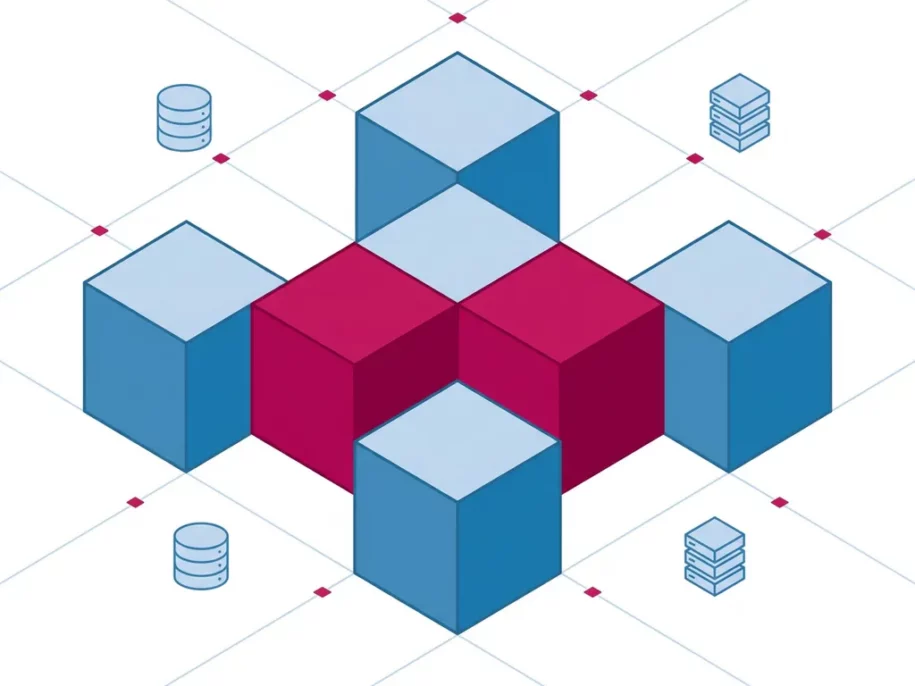
A modular platform reduces migration effort by letting you move individual components independently rather than requiring a full cutover. Instead of replacing the entire stack at once, you migrate one service, validate it, and then move to the next. This keeps the scope of each migration step small and the risk contained.
The practical benefit is that your team can work on migration in parallel with normal operations. A modular, Kubernetes-native data platform allows you to run Apache Kafka® for event streaming while your batch processing layer is still on the old system, then migrate batch processing once streaming is stable. Each component has its own lifecycle.
Modularity also reduces the configuration surface area. When each component is managed by a dedicated operator that handles its own provisioning, configuration, and upgrades, your team does not need to understand the entire platform to migrate a single workload. The operator encapsulates the operational complexity of that specific component.
Infrastructure-as-code further compounds this benefit. If your target platform is fully declarative, every migration step produces a versioned artifact. You can review what changed, reproduce the environment exactly, and roll back to a known state without manual intervention. This is a meaningful reduction in risk for teams that cannot afford extended incidents during migration.
When should you migrate incrementally versus all at once?
Migrate incrementally in almost every case. A big-bang migration, where you cut over the entire platform on a fixed date, concentrates all your risk into a single event and leaves almost no room to recover if something goes wrong. Incremental migration distributes that risk across many smaller steps, each of which is easier to validate and reverse.
The argument for a full cutover is usually made on the grounds of simplicity: one migration, one validation effort, one dual-running period. In practice, this simplicity is illusory. The validation effort for a full cutover is not smaller, it is just compressed into a shorter window with higher stakes.
There are narrow cases where a full cutover makes sense:
- The source platform is so unstable or unsupported that running it in parallel is itself a risk
- The data volume is small enough that a complete migration and validation can genuinely be completed in a single controlled window
- Licensing or contractual constraints make the dual-running period prohibitively expensive
Outside those cases, incremental migration is the safer choice for a lean team. Each completed step is a proof point, each validated workload reduces the unknown surface area, and your team builds operational familiarity with the new platform before it carries critical load.
What does a realistic migration timeline look like for a lean team?
A realistic data platform migration timeline for a lean team of two to four engineers typically spans six to eighteen months, depending on platform complexity, workload count, and how much of the source environment is already documented. Teams that plan for six months and deliver in six months are rare; teams that plan for six months and take twelve are common.
A rough phasing that reflects what actually happens in practice:
- Months 1 to 2 – Discovery and environment setup: Map dependencies, document workloads, stand up the target environment, and validate that your team can operate it. Do not migrate anything production-critical yet.
- Months 2 to 5 – Tier 1 and Tier 2 workloads: Execute your prioritized migration list. Expect each workload to take longer than estimated the first time. The second and third will be faster as your patterns mature.
- Months 5 to 12 – Critical workloads and decommissioning: Migrate Tier 3 workloads with the full benefit of established patterns. Plan decommissioning of the source environment carefully, including data retention obligations and audit requirements.
The single most common reason timelines slip is underestimating the discovery phase. Teams frequently start migrating before they have a complete picture of what needs to move. Spending more time upfront on dependency mapping pays back in reduced surprises later. If your source platform has been running for more than three years, budget generously for discovery.
How Stackable helps with data platform migration
The SDP is designed specifically to reduce the operational burden of migration for teams that cannot dedicate their entire engineering capacity to a single project. It is a modular, Kubernetes-native data platform where each component is managed by its own Operator, which means you can migrate workloads one at a time without touching the rest of the stack.
Concretely, the SDP supports lean-team migrations in the following ways:
- Component-level migration: Operators for Apache Kafka®, Apache Druid™, Trino, Apache Spark™, and other data apps are independently deployable. You move one component, validate it, and proceed to the next.
- Infrastructure-as-code from day one: Every configuration is declarative and version-controlled. You can reproduce any environment state exactly, which makes rollback a planned operation rather than a crisis response.
- Vendor-neutral deployment: The SDP runs on-premises, in any cloud, or in a hybrid environment, avoiding the creation of new dependencies on a single provider.
- Operator-managed lifecycle: Provisioning, configuration, and updates for each data app are handled by the Operator, reducing the operational knowledge your team needs to carry during migration.
- Community and commercial support: The platform is fully open source. Teams that need structured support during migration can access commercial subscriptions and expert consulting without switching to a proprietary product.
If your team is evaluating migration paths and wants to understand what moving specific workloads to the SDP would look like in practice, get in touch with us directly. We can work through the specifics of your environment without a sales process attached.
Related Articles
- How do open table formats keep your data lakehouse portable across engines?
- How do you run a data lakehouse natively on Kubernetes?
- How do you keep data quality intact during a platform migration?
- How do you migrate a data platform while staying on-premises?
- What does a successful data platform migration look like?